
Latest Version
ImaginationOverflow Studio
Communication
Windows
Free
9wzdncrfj9n7
Report a Problem
More About Social Page Manager
The Struggle of Desktop Social Media Management
Managing multiple Facebook business pages can quickly become an administrative headache, especially when you are forced to rely constantly on resource-heavy web browsers. Switching between tabs, missing urgent customer messages, and dealing with sluggish browser interfaces often slows down your workflow. The Social Page Manager Facebook administration app by ImaginationOverflow Studio offers a streamlined, dedicated Windows solution designed to bring all your page management tools directly to your desktop environment.
What is Social Page Manager?
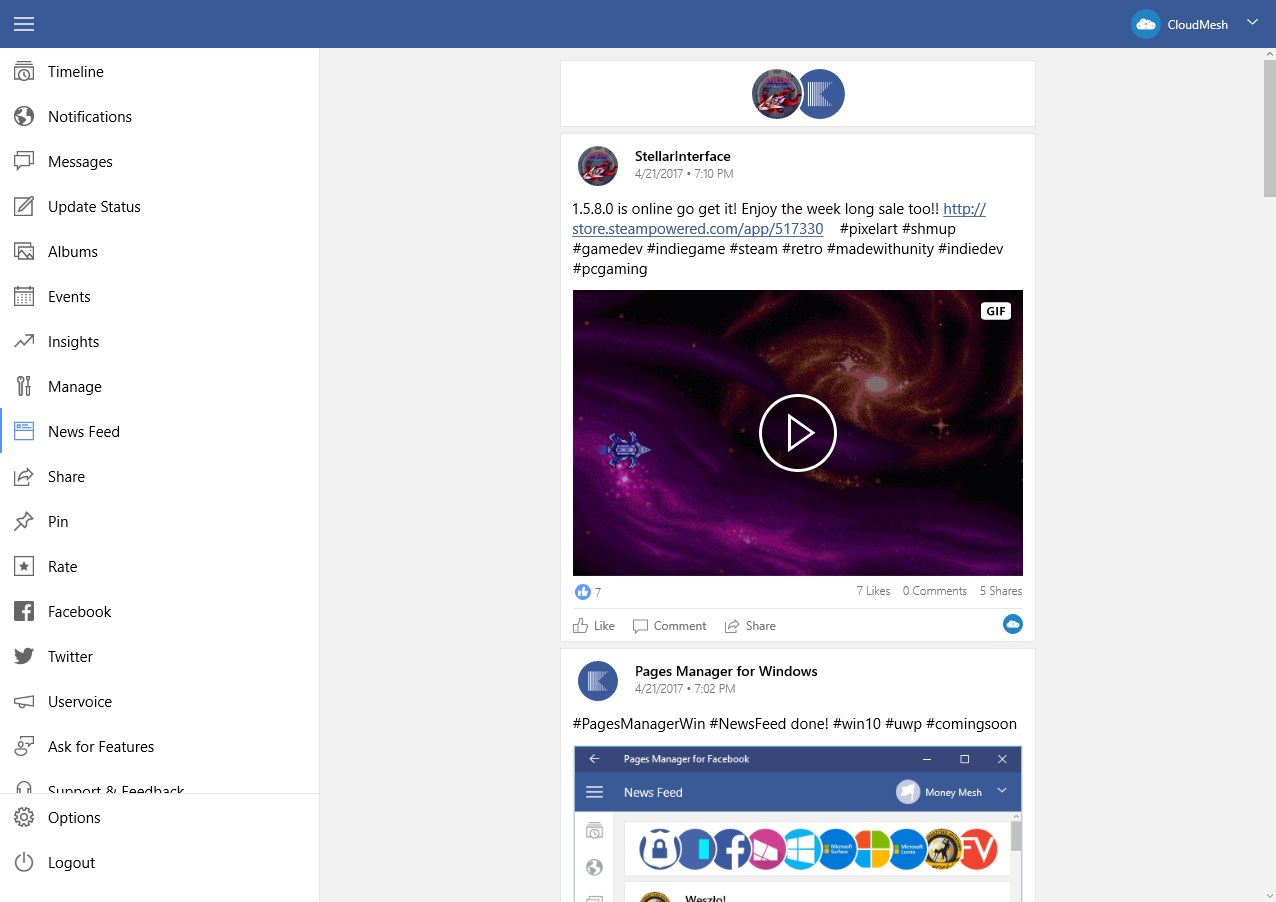
As a dedicated utility in the communication category, this application acts as a comprehensive hub for your Facebook pages. Instead of keeping multiple browser windows open, it consolidates your administrative tasks into a single, responsive native interface. Whether you need to push a quick update, review performance metrics, or engage with your community, the app provides a focused environment to get things done without the typical browser distractions.
Key Features for Streamlined Administration
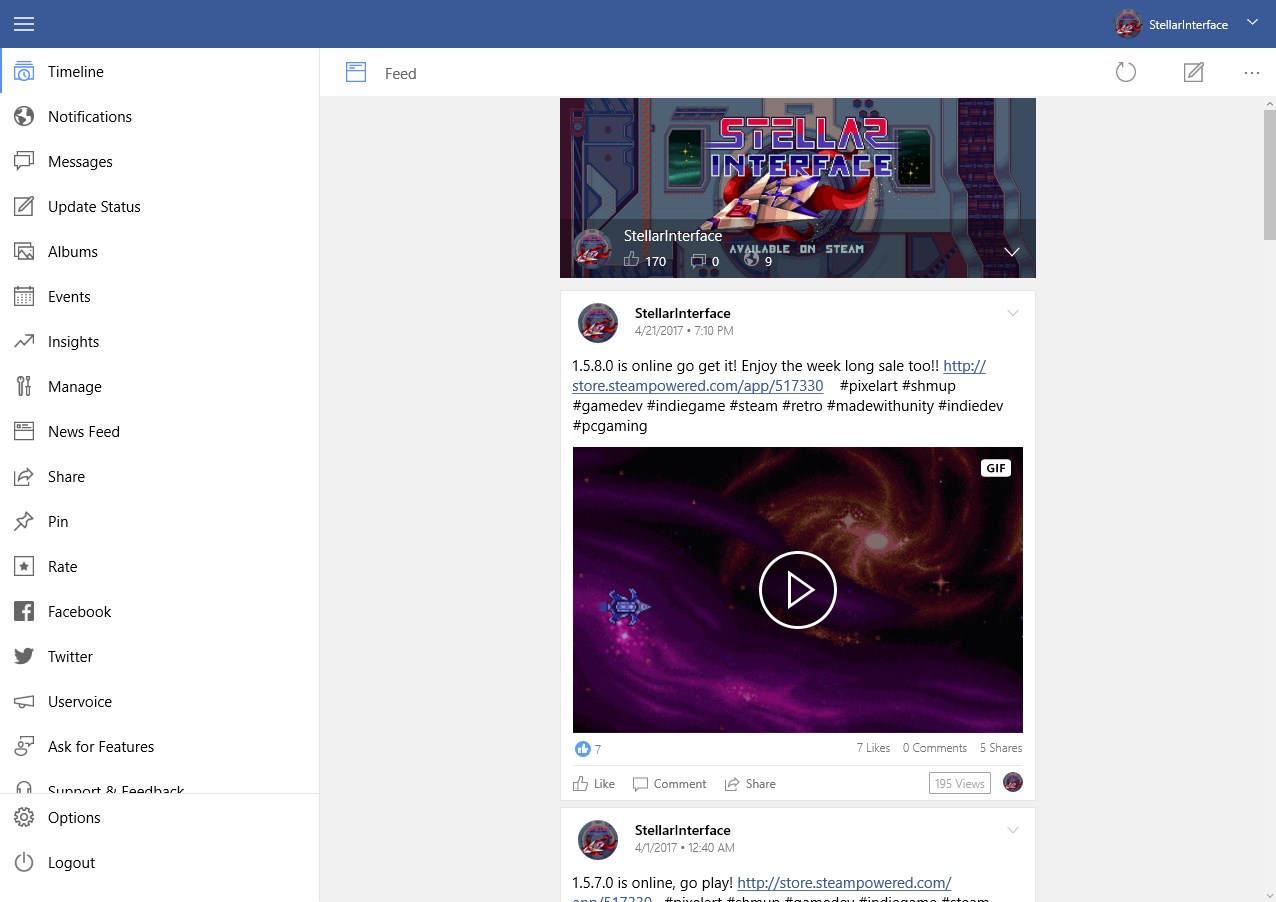
- Complete Post Control: Easily publish new updates, share media, upload photos, or delete outdated status updates across your pages.
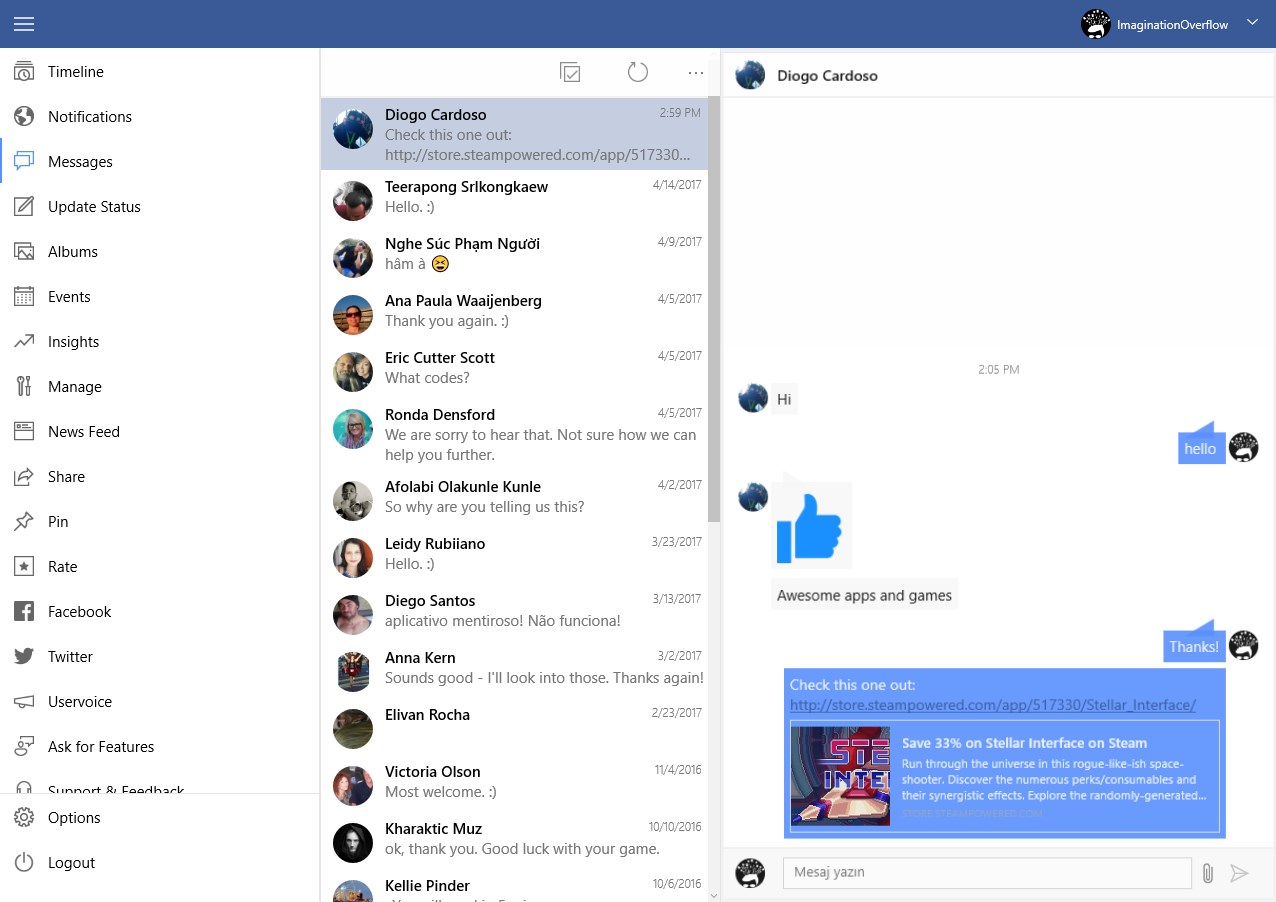
- Direct Audience Engagement: Read and reply to user comments, react to posts, and manage your private inbox messages instantly.
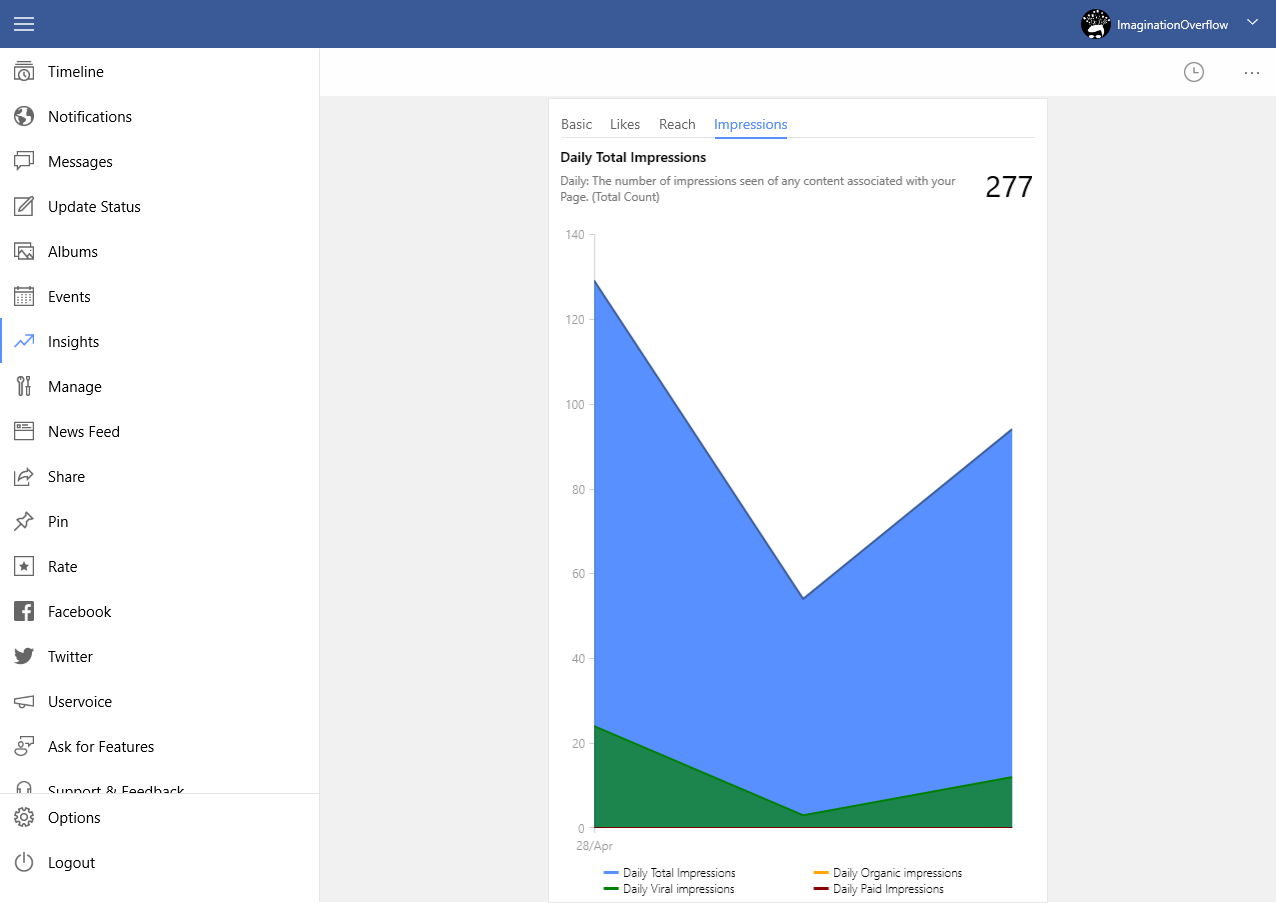
- Real-Time Insights: Monitor your page performance, track likes, and view essential audience metrics to adapt your strategy on the fly.
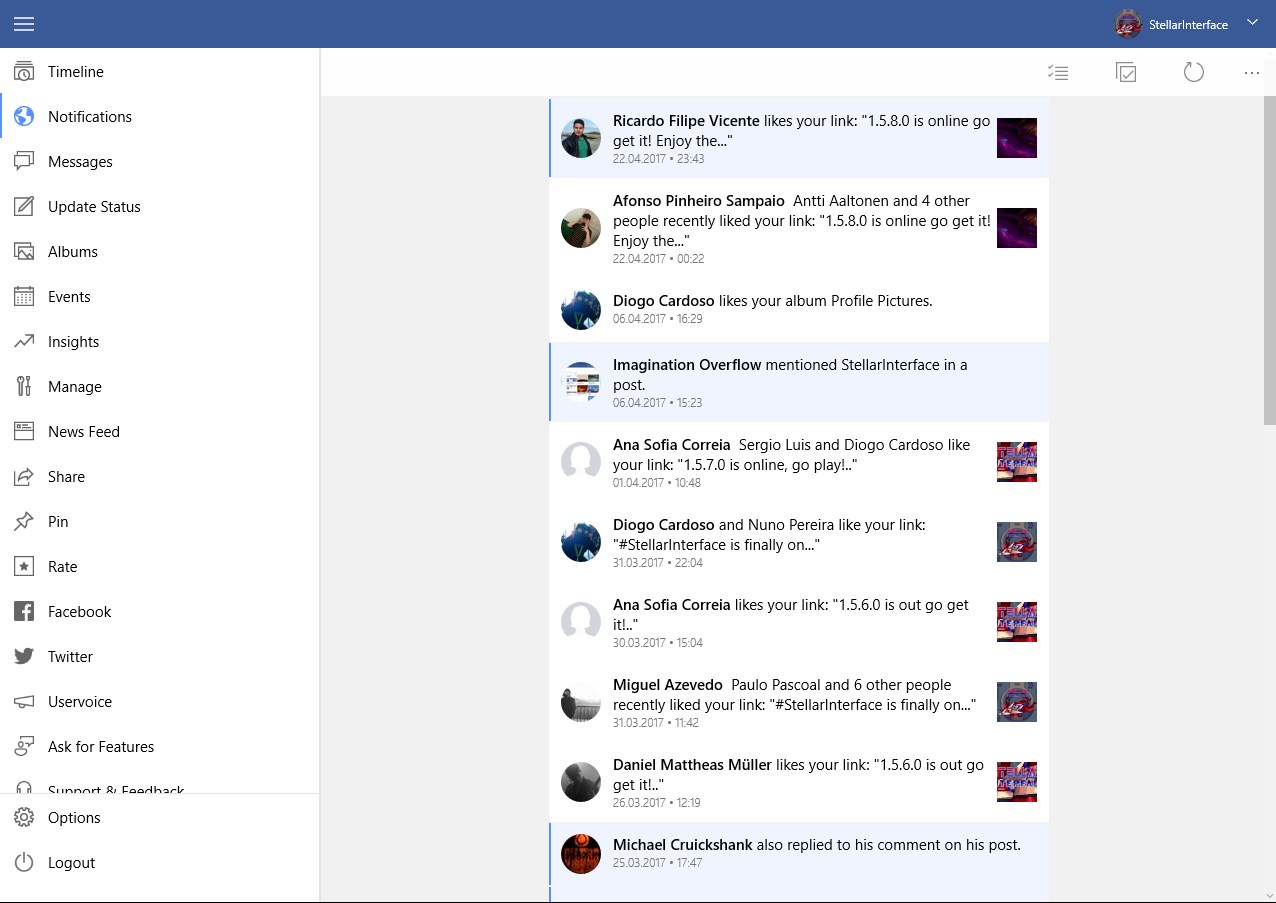
- Desktop Integration: Pin your most important pages directly to your Windows Start screen and receive real-time notifications even when the app is minimized.
- Visual Customization: Choose between your system's native Windows theme or the classic Facebook color palette to match your workspace aesthetic.
Who Benefits Most From This Tool?
This software is built specifically for social media managers, small business owners, and digital creators who operate within the Windows ecosystem. If you spend your workday on a PC and need to maintain a highly responsive presence on your Facebook pages without constantly refreshing browser tabs, this application offers the integration and speed you require.
Take Control of Your Social Presence
By moving your social administration out of the browser and onto your desktop, you gain speed, better notification management, and a cleaner workspace. To see how this utility can optimize your daily workflow, head over to the official Windows Store to explore the application for yourself.
Rate the App
User Reviews














Popular Apps









Editor's Choice