
Latest Version
Lawrence Murray
Security
Linux
Free
org.indii.mendingwall
Report a Problem
More About Mending Wall
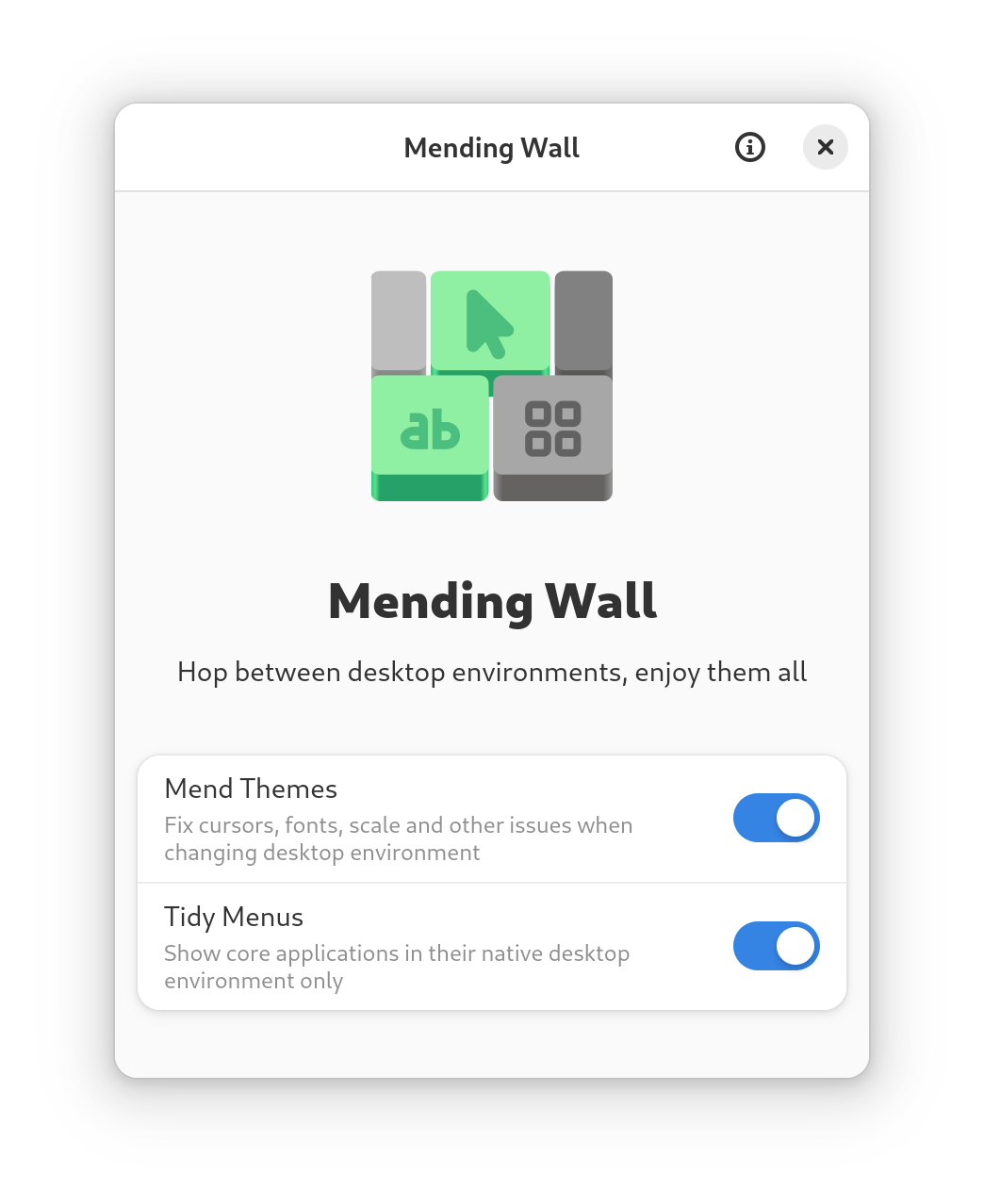
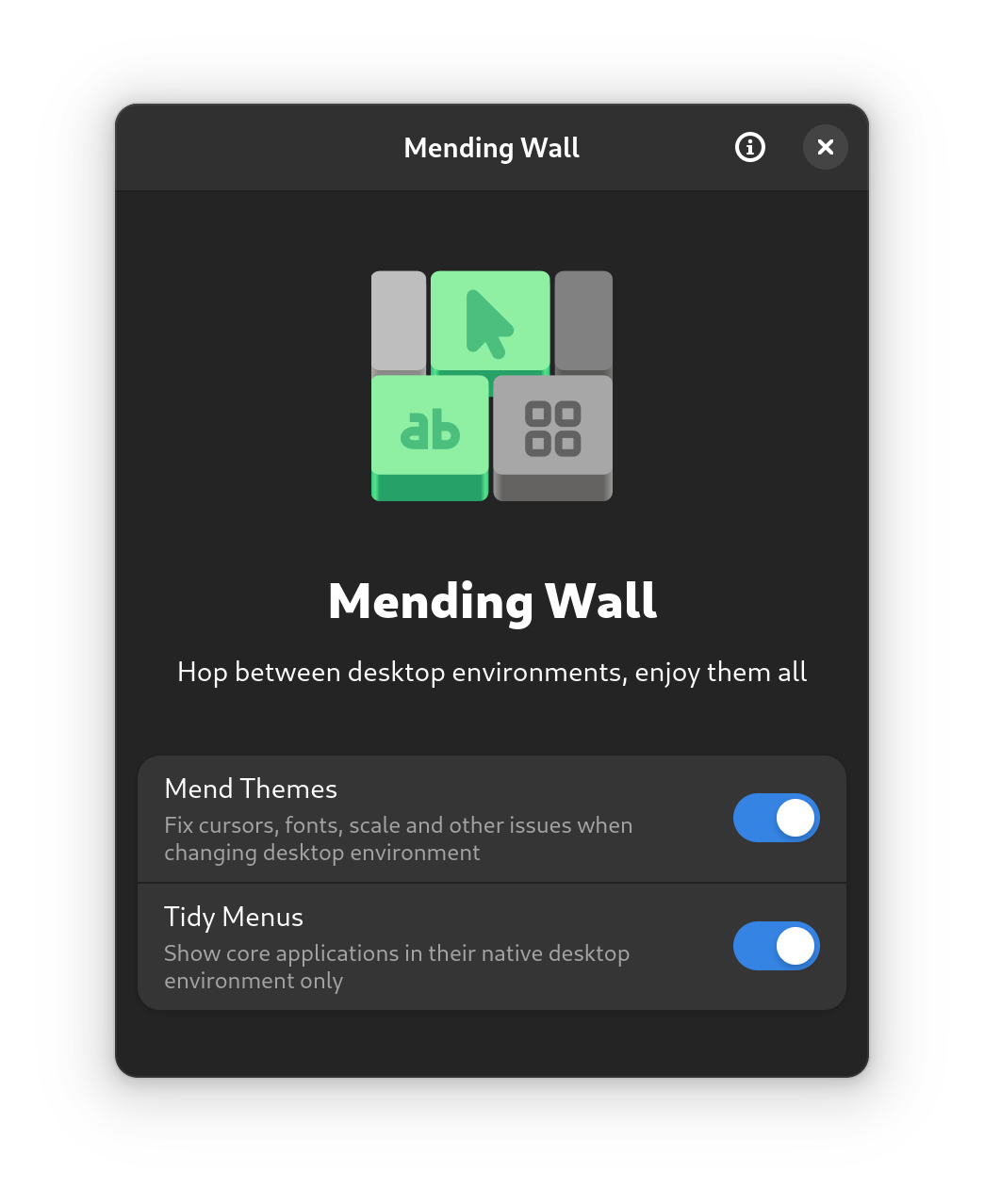
Linux users who love customizing their setups often face a common headache: installing multiple desktop environments (such as GNOME, KDE Plasma, Xfce, Cinnamon, or COSMIC) on a single system usually leads to configuration chaos. You might switch from KDE Plasma to GNOME, only to find your cursor themes, icon sets, or scaling options have warped when you return. Mending Wall desktop environment manager solves this exact problem by preventing settings conflicts before they can disrupt your workflow.
What Is the Mending Wall Desktop Environment Manager?
Developed by Lawrence Murray, Mending Wall is a specialized Linux utility designed to isolate and protect your desktop configurations. When you jump between different graphical interfaces, system-wide settings often overlap, leading to cluttered application menus (like having three different terminal emulators or file managers pinned) and corrupted dark/light mode preferences. Mending Wall runs quietly in the background to ensure each desktop environment retains its unique visual identity and system settings.
Key Features and System Benefits
- Configuration Isolation: Prevents automated theme, scaling, and cursor overrides when transitioning between GNOME, KDE, and other desktop setups.
- Menu De-cluttering: Helps manage the redundant core applications (such as text editors, browsers, and file managers) that accumulate when multiple environments are active.
- Proactive Background Protection: By enabling your chosen features before logging into an alternative environment, the tool prevents configuration corruption before it starts.
- Flexible Integration: Works seamlessly with your existing package manager, allowing you to install new desktop environments at any time without breaking your current layout.
Who Is This Linux Utility For?
This software is an essential download for developers, distro-hoppers, and system administrators who require diverse desktop environments for testing or productivity. Instead of maintaining separate virtual machines or dual-booting configurations, you can confidently run multiple desktop environments on a single Linux installation.
How to Get Started
To safeguard your workspace, simply launch the application, choose the optimization features you want to enable, and let it run. For the smoothest experience, it is highly recommended to activate Mending Wall prior to logging into your secondary desktop session. To explore this utility further and add it to your system, head over to the official Flathub store page to get started.
Rate the App
User Reviews



Popular Apps










Editor's Choice